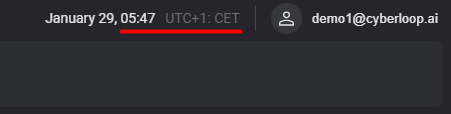

This user guide contain information on how to select time zone that will be used in the WebPortal.
-
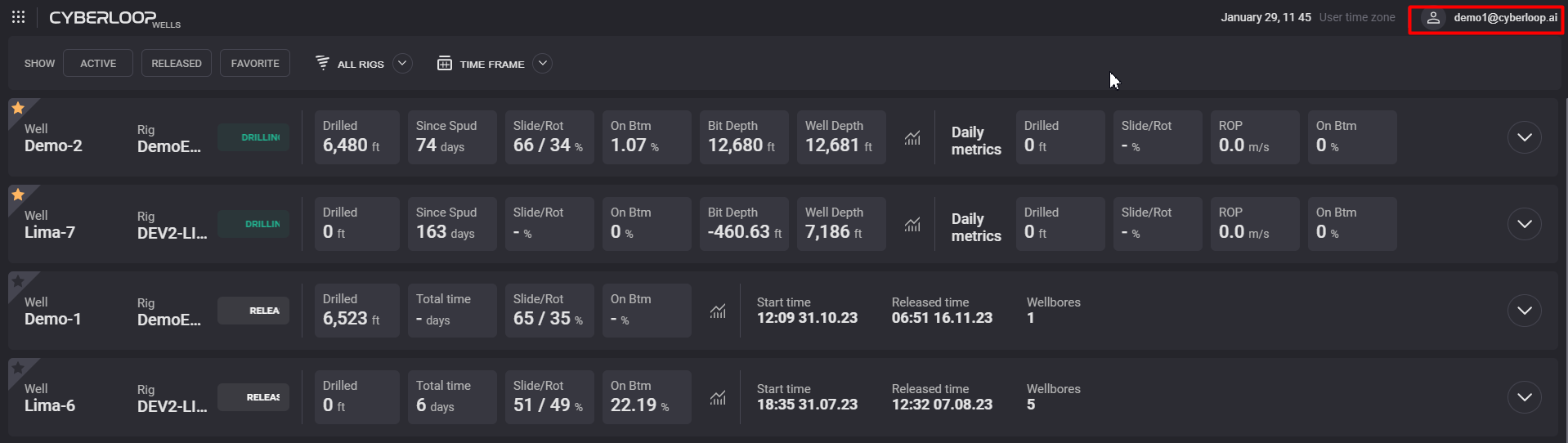
Click on your username in the top right corner
-
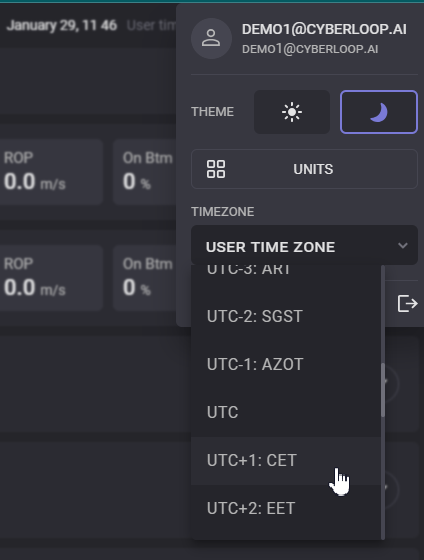
In the expanded dialogue click on the Time Zone selector. Drop-down list with available time zones will be expanded.
-
In the expanded drop-down list select the convenient time zone and click on it.
-
The time zone will be applied on the WebPortal.