

This user guide contains information on how to save a workspace template and how to import it to apply to the charts.
-
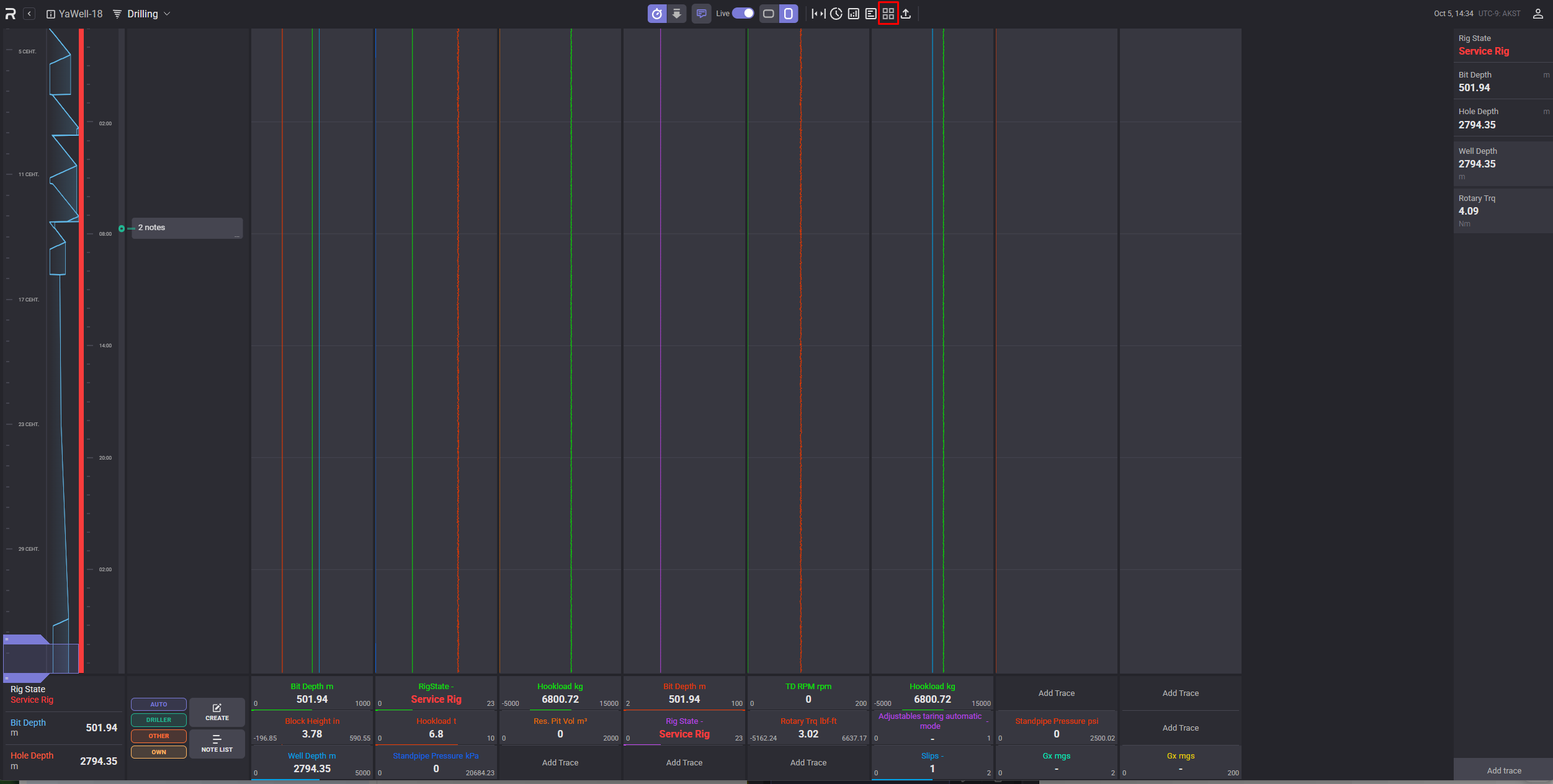
Open the Drilling page of the selected Well;
-
Click on the Workspace button;
-
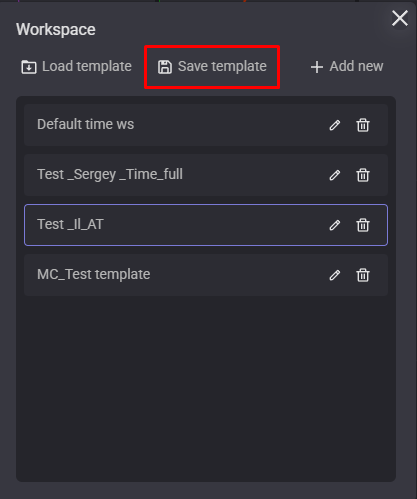
In the expanded dialog, click on the Save template option;
-
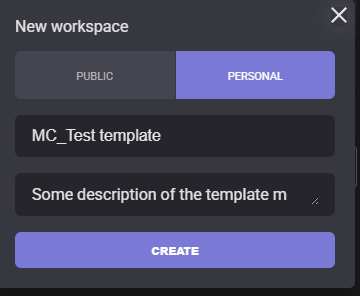
In the Save template dialog, select the type of the template (Public or Personal), and enter the template name and description.
-
Click on the Apply button.
-
The workspace template will be saved.
To Import a saved workspace template, proceed with the following steps:
-
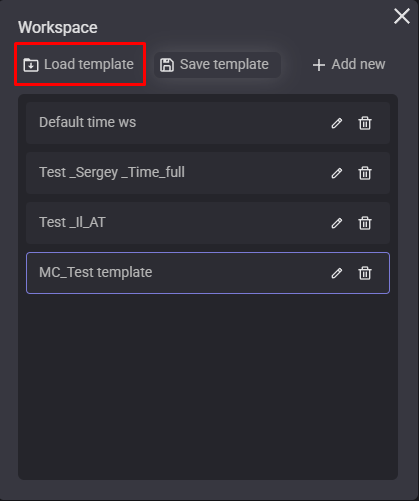
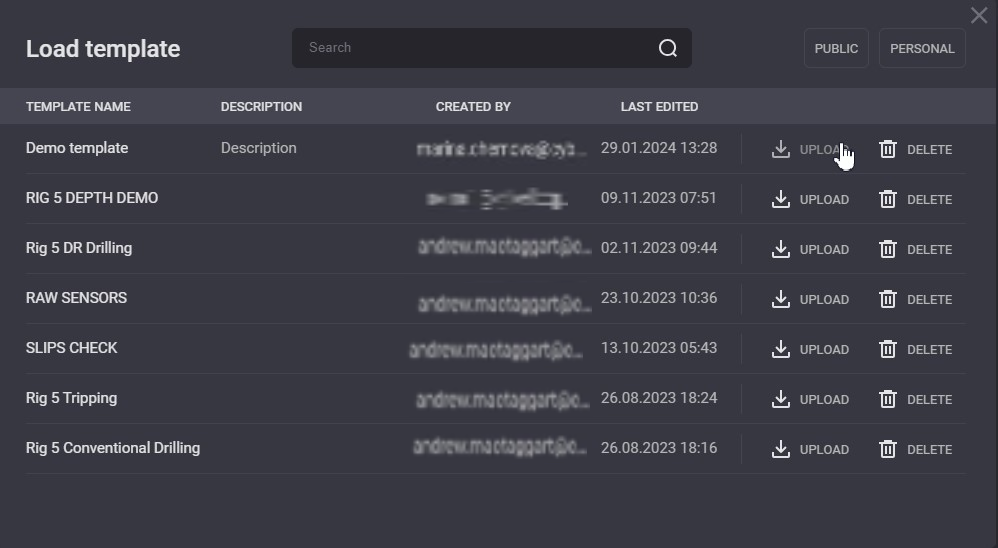
Click on the Load template in the Workspace dialogue.
-
In the Load Template modal window click on Upload next to template to be added.
-
Selected template will be added to the workspace templates list.