

This user guide contain information on how to create and save workspace template.
-
Open the Drilling page of the selected Well
-
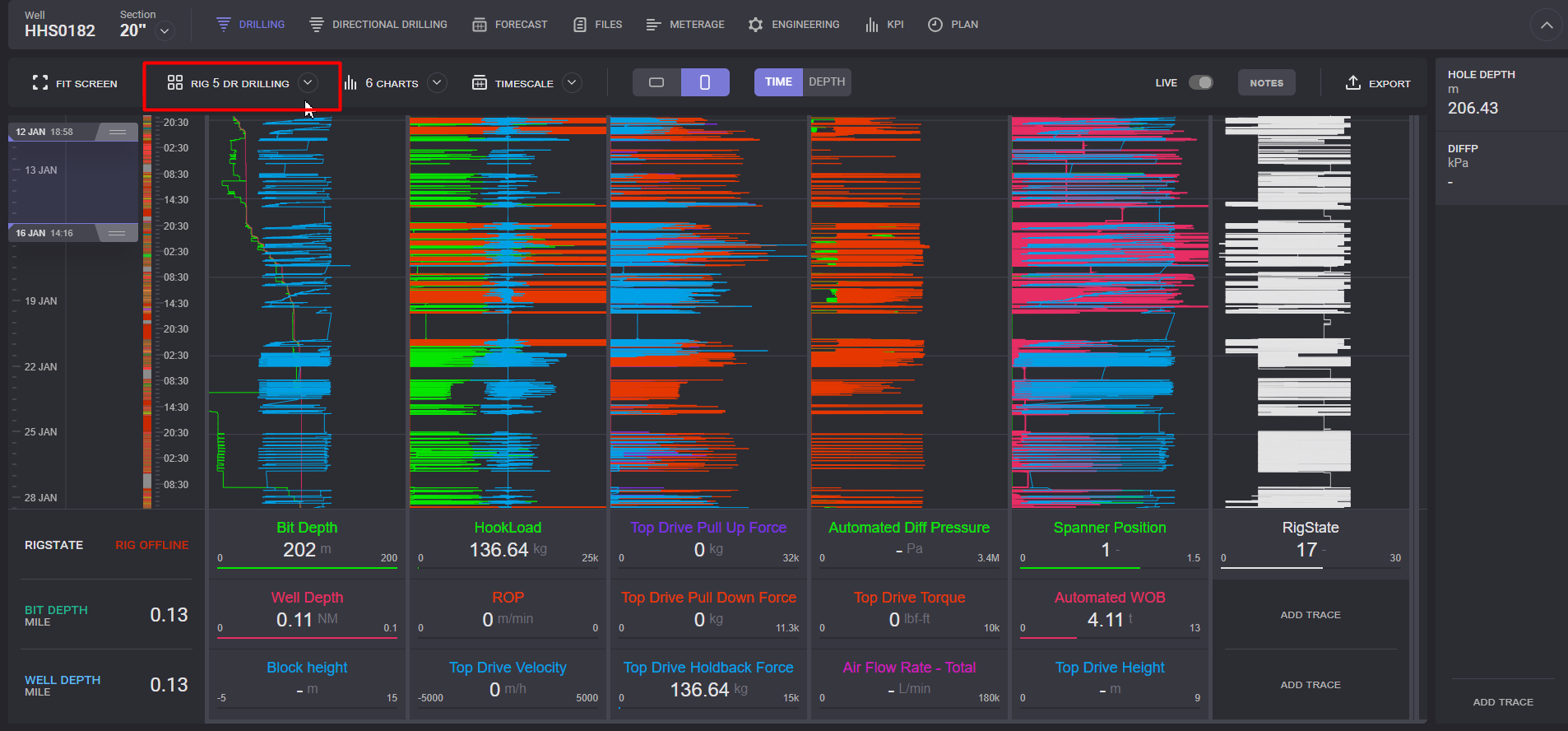
Click on the Workspace name.
-
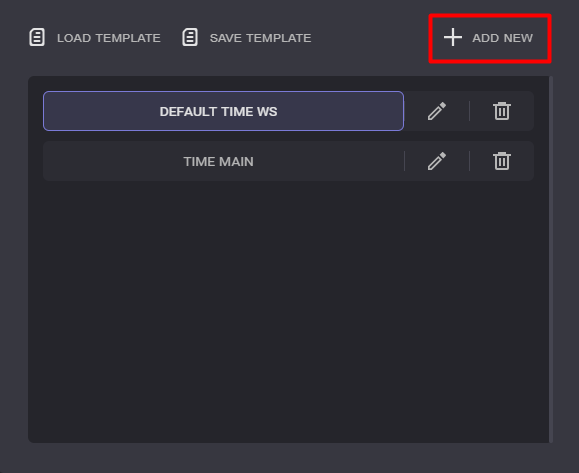
In the expanded dialogue click on the Add New option.
-
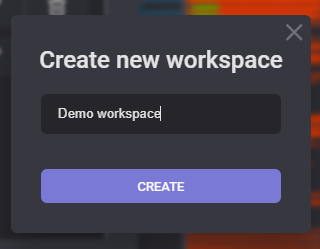
Enter new template name to the create Workspace dialogue
-
Click on the Create button
-
New template will be added to the list
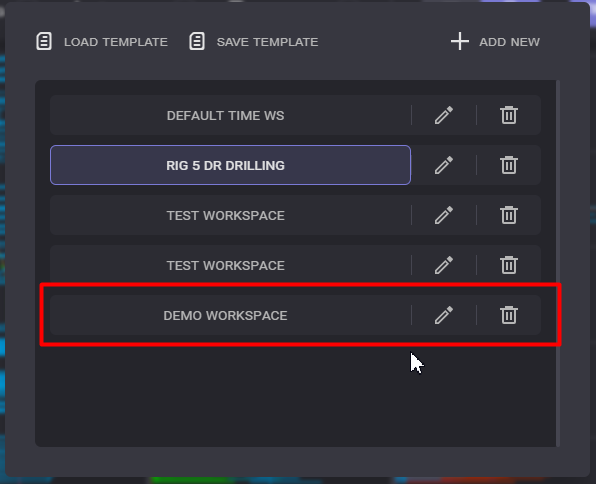
Note: the workspaces for the Time and Depth modes are differnt