

Note: The End of Well Report available only for the Release wells
This User Guide contains information how to form and download Daily Performance Report.
-
Click on the released well to work with in the Wells list.
-
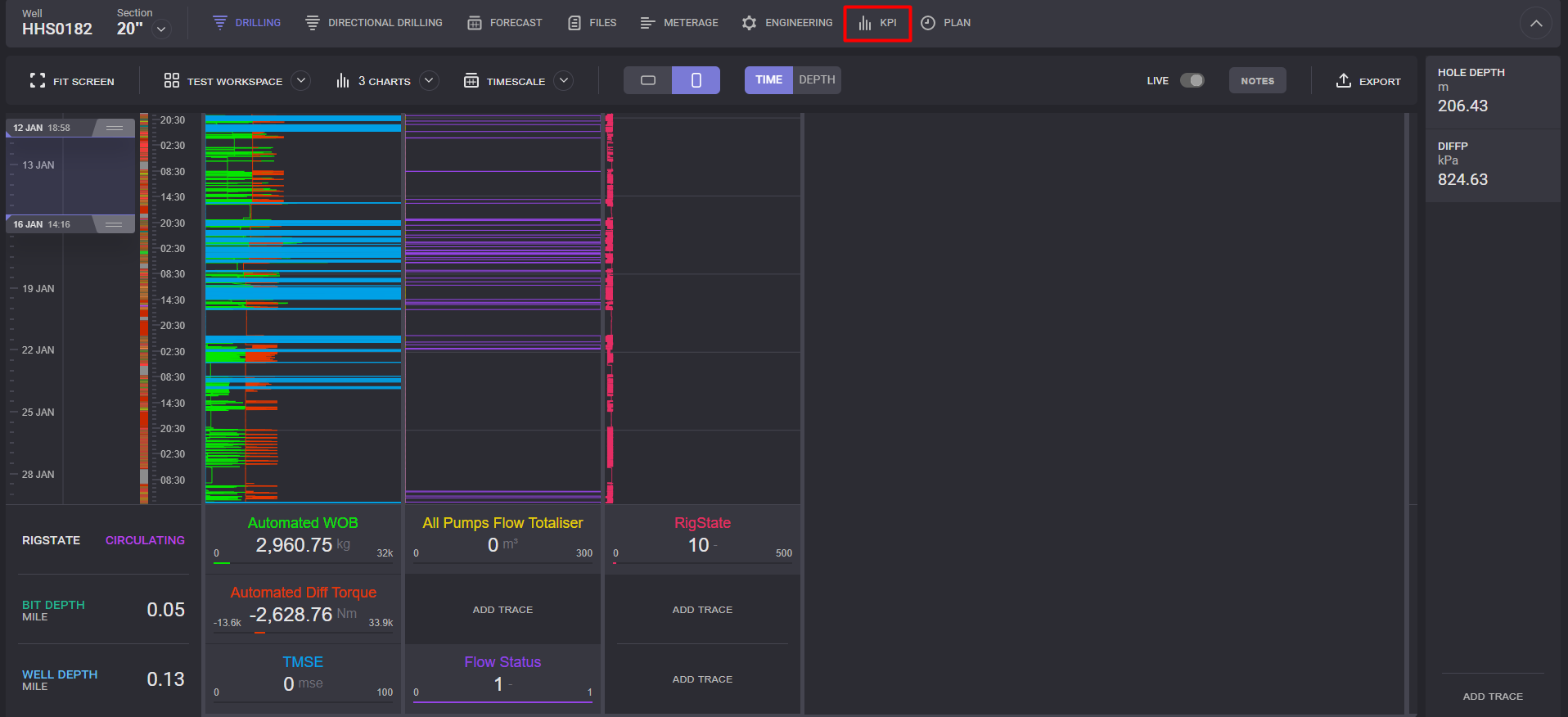
On the top panel switch to the KPI tab.
-
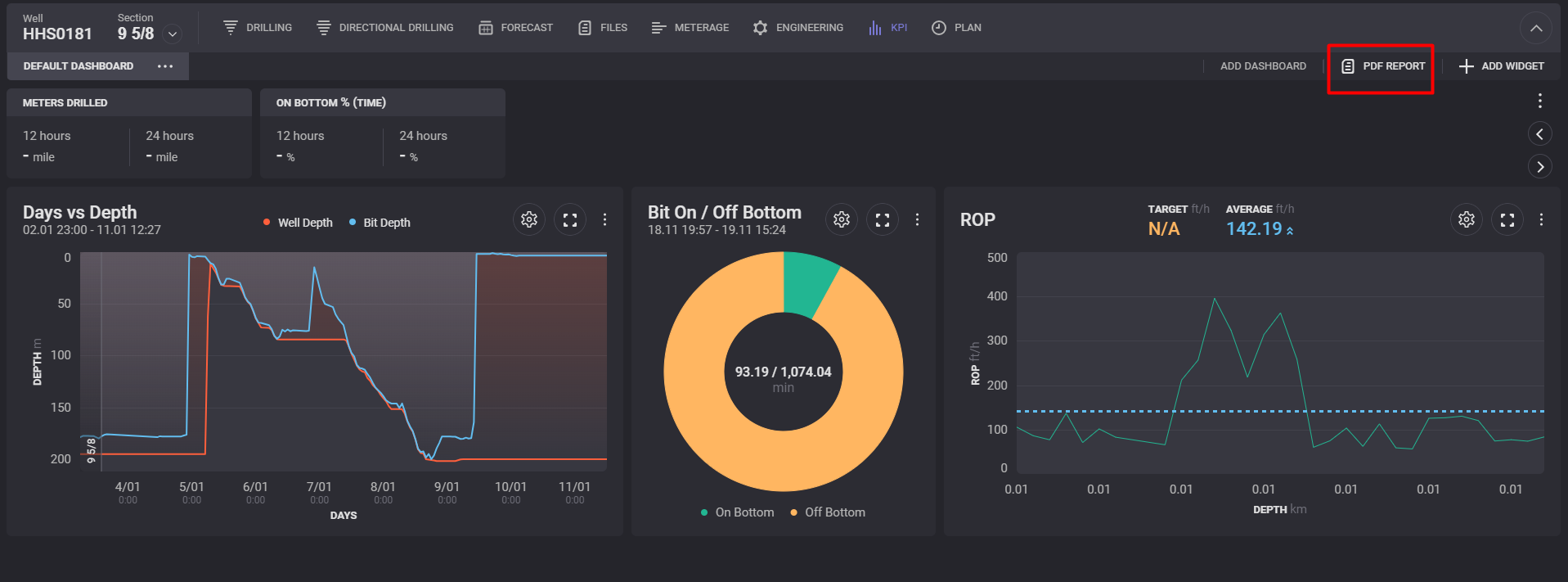
On the KPI tab click on the PDF Report option on the top panel.
-
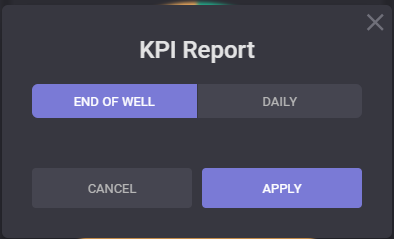
In the opened KPI Report dialogue select End of Well option and click on the start and end dates to include the interval to the report.
-
Click on the Apply in the KPI Report.
-
Report in .pdf format will be created and downloaded.